
Desktop player · macOS & Windows
Connect your own source. Watch it like a real streaming app.
Nexora is a desktop media player for macOS and Windows. Connect a compatible source you already have — an M3U playlist or an Xtream provider — and Nexora organizes it into Live TV, Movies and Series with search, watchlist and playback controls.
Nexora is a player only. It does not provide, host, sell or include any channels, movies or series.
Apple Silicon · Latest macOS Beta · Free to use · Premium adds offline downloads
How it works
You bring the source. Nexora brings the interface.
- Step 1
Bring your own source
Add an M3U playlist URL, a playlist file, or Xtream provider credentials from the provider you already use.
- Step 2
Nexora organizes it
Your source is parsed into Live TV, Movies and Series with categories, filtering and a unified search.
- Step 3
Watch on desktop
Play on macOS or Windows, with automatic resume of saved progress and your own Watchlist.
Nexora is a player only. It does not provide, host, sell or resell channels, movies or any other media. All content comes from the provider or playlist you supply, and remains the property of its respective owners.
The app
Everything in one player.
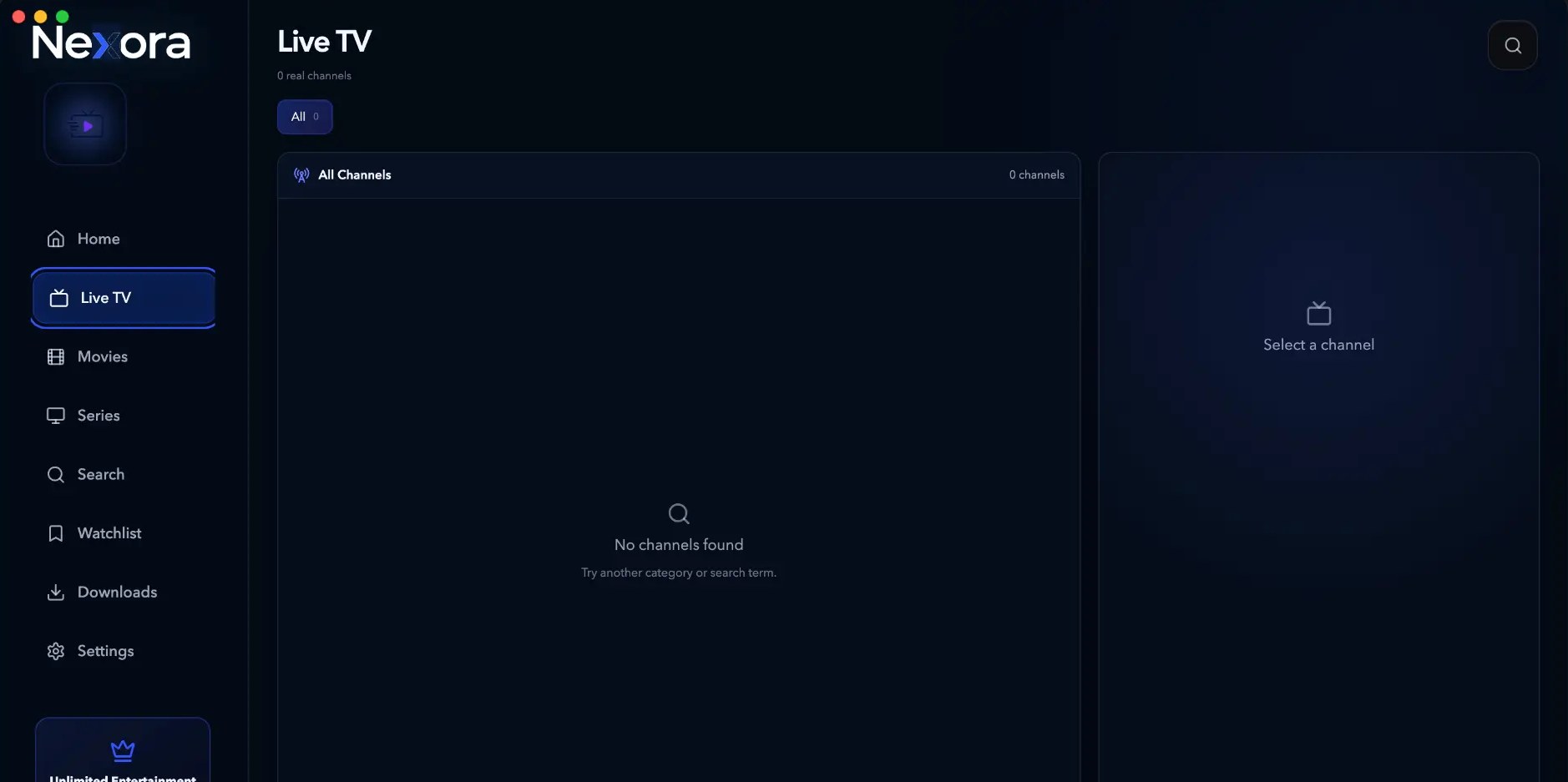
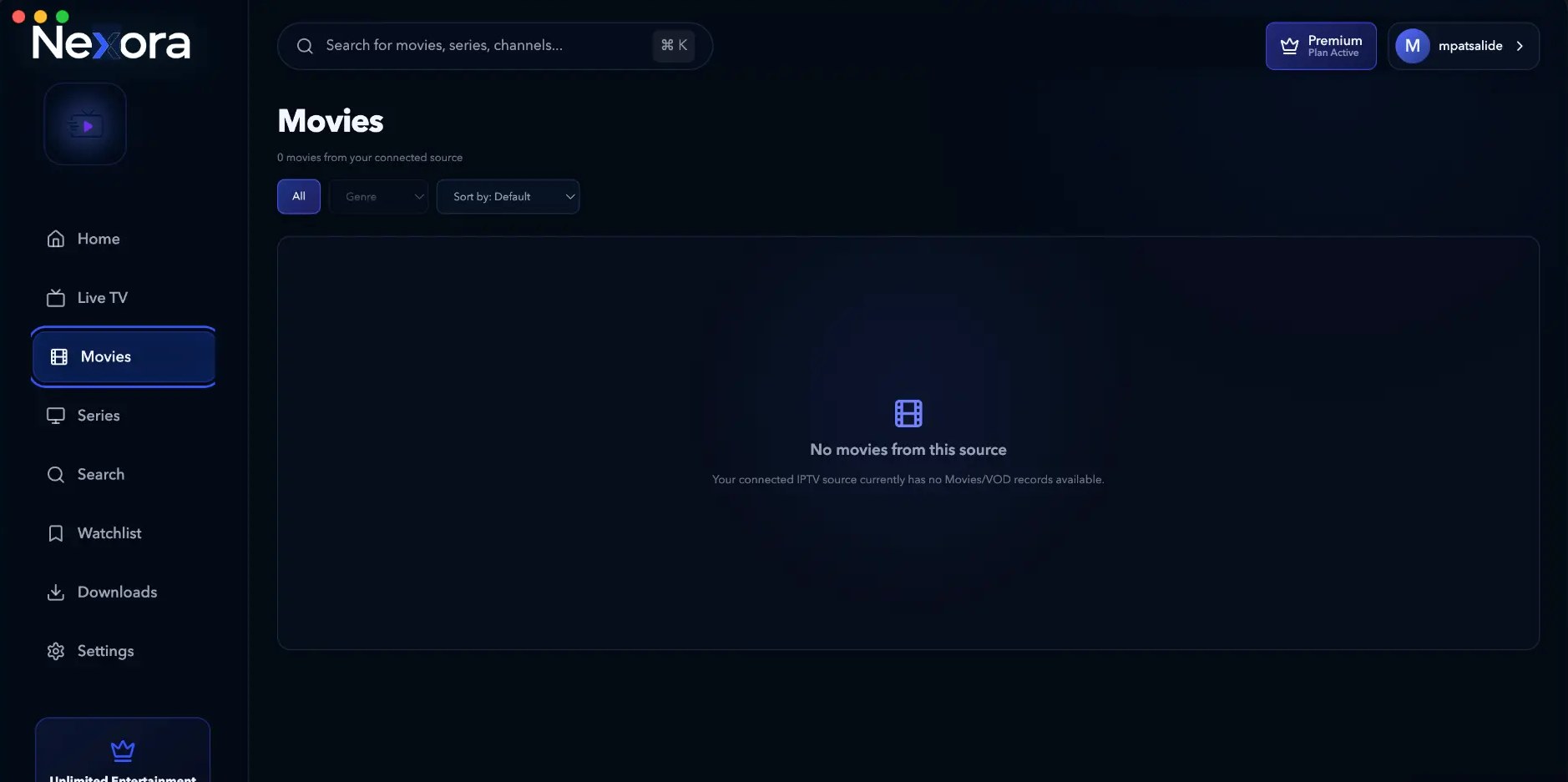
Real screens from the Nexora desktop app. Your library appears once you connect your own source.
Browse and play connected channels with provider-native categories and filtering.
Connect your own source
Your content. Your provider. One player.
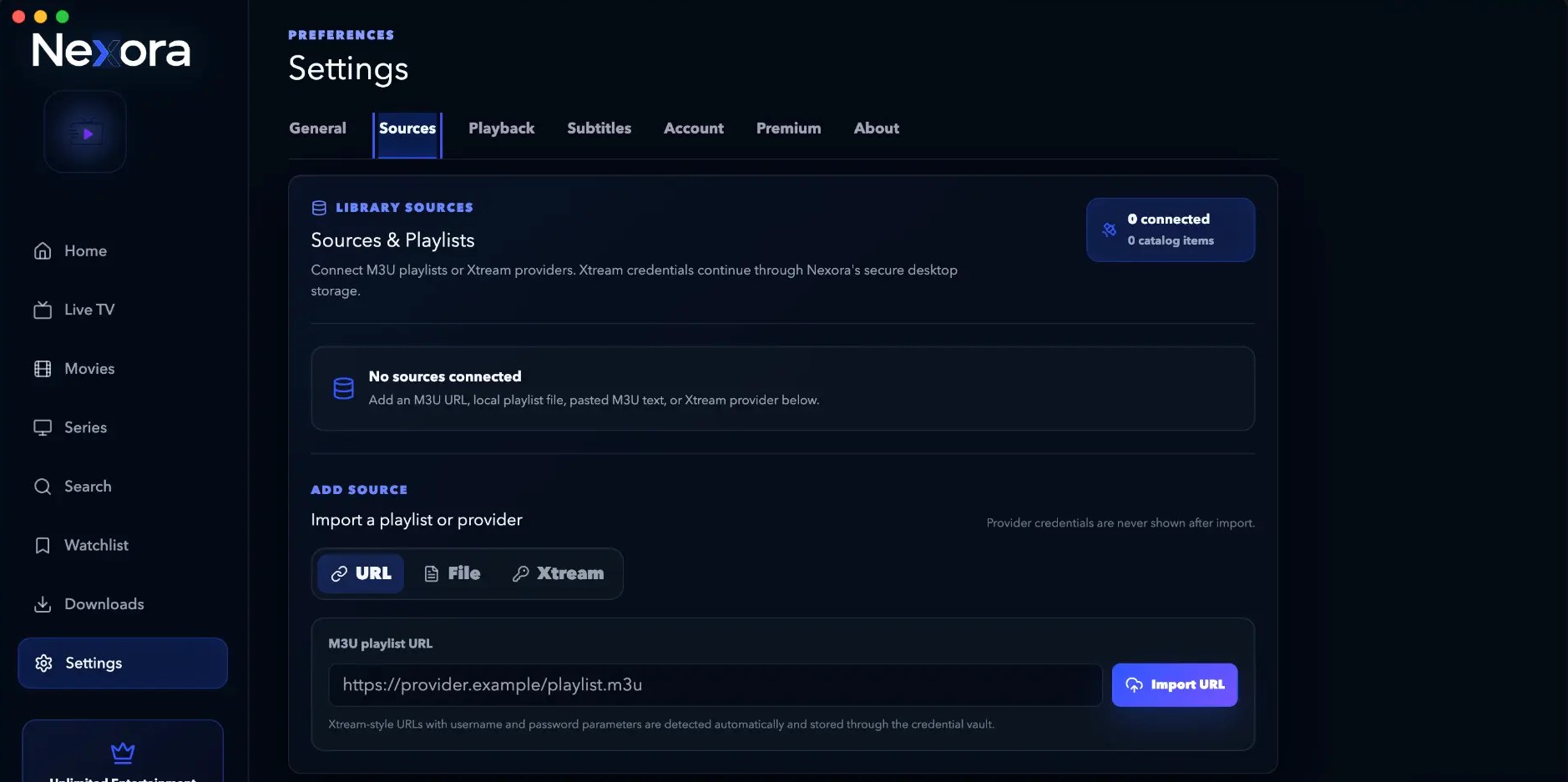
Nexora connects to compatible sources you already have. Everything in your library comes from the playlist or provider you add in Settings → Sources.
- M3U playlist URLPaste a playlist URL and import it directly.
- Local playlist fileImport an M3U file or pasted M3U text.
- Xtream providerXtream credentials are stored through Nexora's secure desktop credential vault.
Nexora does not provide IPTV content. No channels, movies or series are included, hosted or sold. You supply the source.
Features
Everything a player should do — nothing it shouldn't.
A desktop player for your own source. No content is included or hosted.
Live TV
Browse connected channels with provider-native categories and responsive filtering.
Movies library
Browse artwork and details, filter, sort and search, then play or save movies to your Watchlist.
Series library
Move between seasons and episodes, switch episodes easily, and continue from the right episode and progress.
Resume playback
Continue Watching restores saved movie progress or the appropriate series episode.
Unified search
Find live channels, movies and series across your connected content from one search.
Watchlist
Save Movies, Series and Live TV, then return to the correct title or resumable episode.
Sources & playlists
Import M3U URLs, playlist files or Xtream providers and manage them side by side.
Offline downloads
Premium protects offline items with encrypted storage, live progress, pause and resume, and safe deletion.
Built for large libraries
Categories, browsing, sorting and search stay usable even with very large connected catalogs.
Parental controls
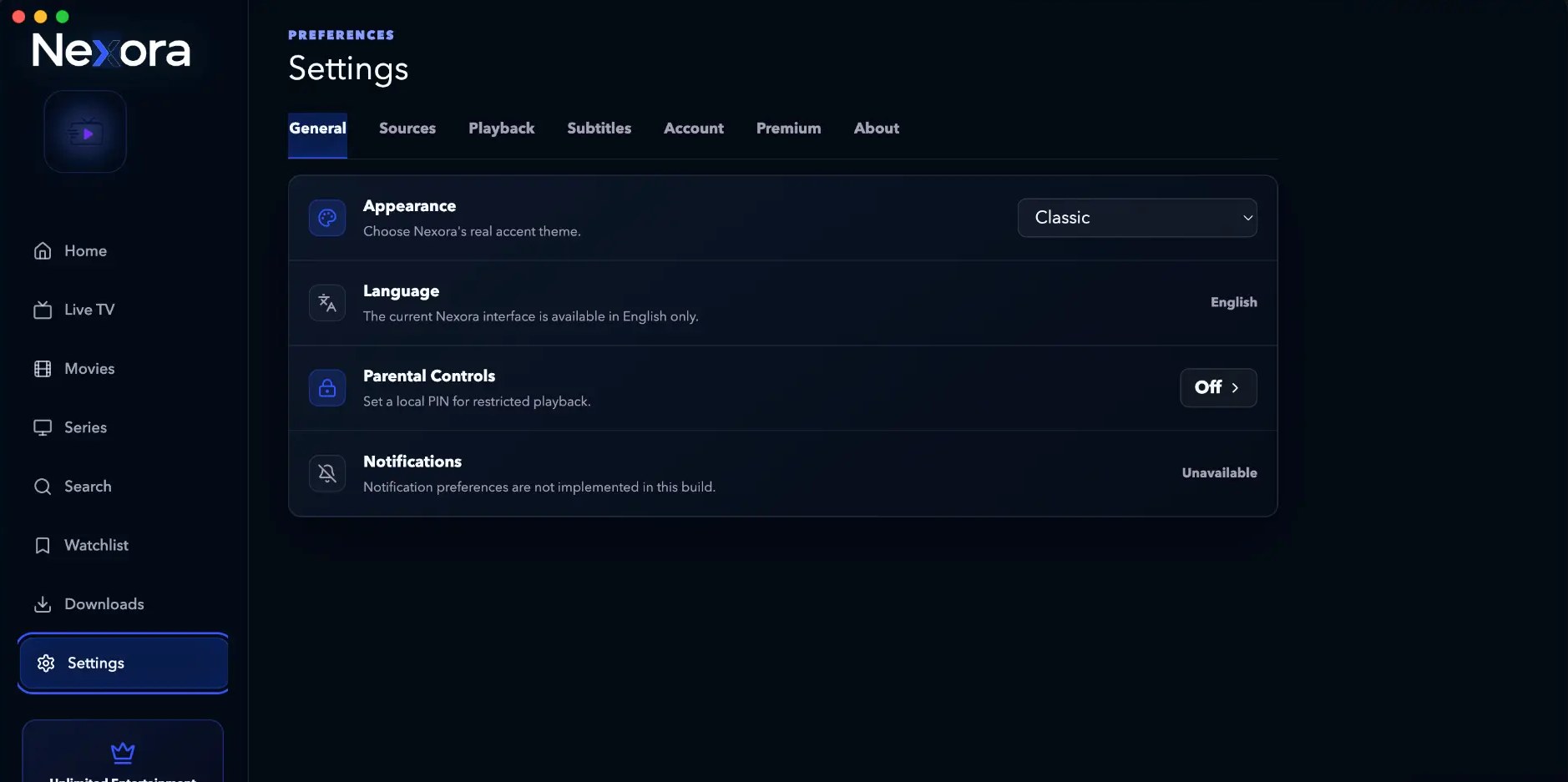
Set a local PIN for restricted playback from Settings → General.
Also included
- Accent themes in Appearance
- Subtitle preferences
- Nexora account with Premium sync
My collection
One saved list for everything you watch.
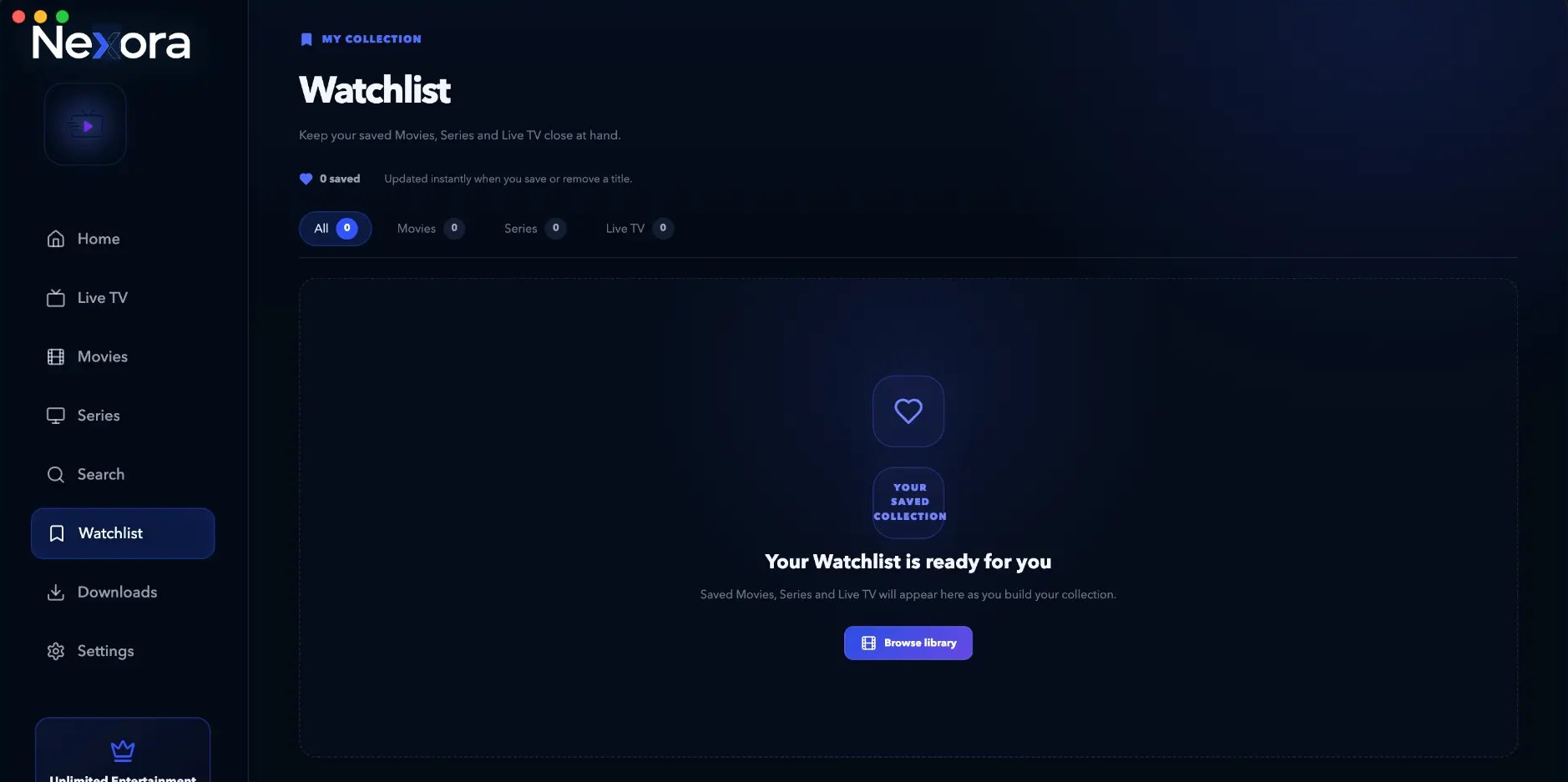
Keep Movies, Series and Live TV in one collection. Open the canonical Movie or Series view, with Series ready to continue from the appropriate episode when progress exists.
- Open saved movies directly in their detail and playback flow
- Return to a Series page or resume its appropriate episode
- Save live TV channels you come back to
- Updated instantly when you save or remove a title
- Filter your collection by All, Movies, Series or Live TV
Nexora Premium
An offline library, built into the app.
With Premium, downloads from your own connected source are protected at rest with AES-256-GCM encryption and kept with the correct profile and source.
- Live bytes and progress, with pause and resume
- Smoothed speed, calm ETA, and clear completed, paused or failed states
- OS-backed key protection and profile-aware offline ownership
- “Offline storage used” keeps local usage clear
- Safely remove offline items
No content is supplied by Nexora. Downloads come only from the source you connected yourself.
Preferences
A complete desktop experience.
Appearance, parental controls, source management, playback and subtitles — all in one Settings workspace.
Nexora Premium
Premium unlocks app features — not content.
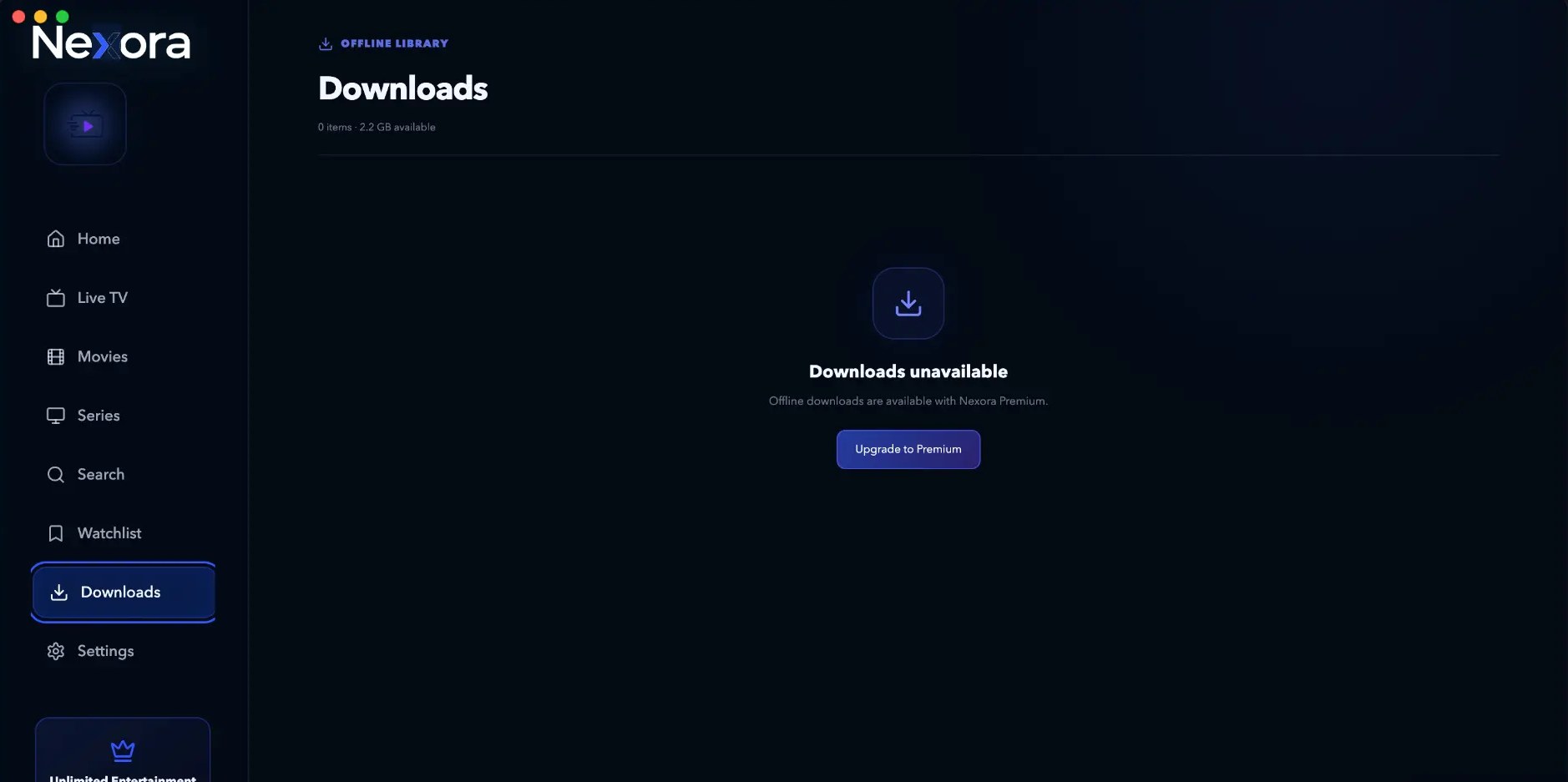
Premium is an application upgrade. It unlocks encrypted offline storage for media from your own connected source, with OS-backed key protection and a profile-aware library.
- Protected offline downloads with pause, resume and live progress
- Stable speed and ETA, clear states, safe deletion and Offline storage used
- Offline items kept with the correct active profile and source
Premium does not include movies, series, channels or any IPTV subscription. You always bring your own source.
Download
Get Nexora for desktop.
Free to use. Premium unlocks offline downloads and storage tools.
Nexora Player
Version 0.1.20-beta.5-manual.8 · Apple Silicon · 186 MB
Current macOS builds are unsigned beta releases. macOS may ask you to confirm the application manually the first time you open it.
Verify download · SHA-256
66ef7403a2b9f9fa1b262a5065ade2fa585042eba83cff6458b74d2b53e8900cWindows
Windows 10 & 11, x64 · Coming soon
A Windows x64 build is not published for the current release yet.
Install and open Nexora
Follow the steps for your platform. Expand the troubleshooting section only if you see a security warning.
macOS
- Download the latest DMG only from the official Nexora website or GitHub release.
- Open the DMG, drag Nexora into Applications, then eject the DMG.
- In Finder > Applications, Control-click Nexora, choose Open, then choose Open again if macOS offers that option. This is the only additional step normally needed for the current unsigned beta.
Windows
- When a Windows build is published, download the installer only from the official Nexora page or GitHub release.
- Run the installer and follow the prompts.
- Windows builds are currently unsigned, so Windows may show “Unknown publisher” or SmartScreen. Continue only after confirming the file came from the official GitHub release URL under
mpatsalide-code/Nexora-releases. If verified, select More info > Run anyway. - For portable builds: download, place the file in a folder, and launch it. No installation is required.
Need help? Use our contact form or the in-app “Report a Bug” option.
Nexora does not provide or host any content. This application is a player only. All media remains the property of its respective providers.
FAQ